Is your TypeScript Code As Safe As You Think It Is?
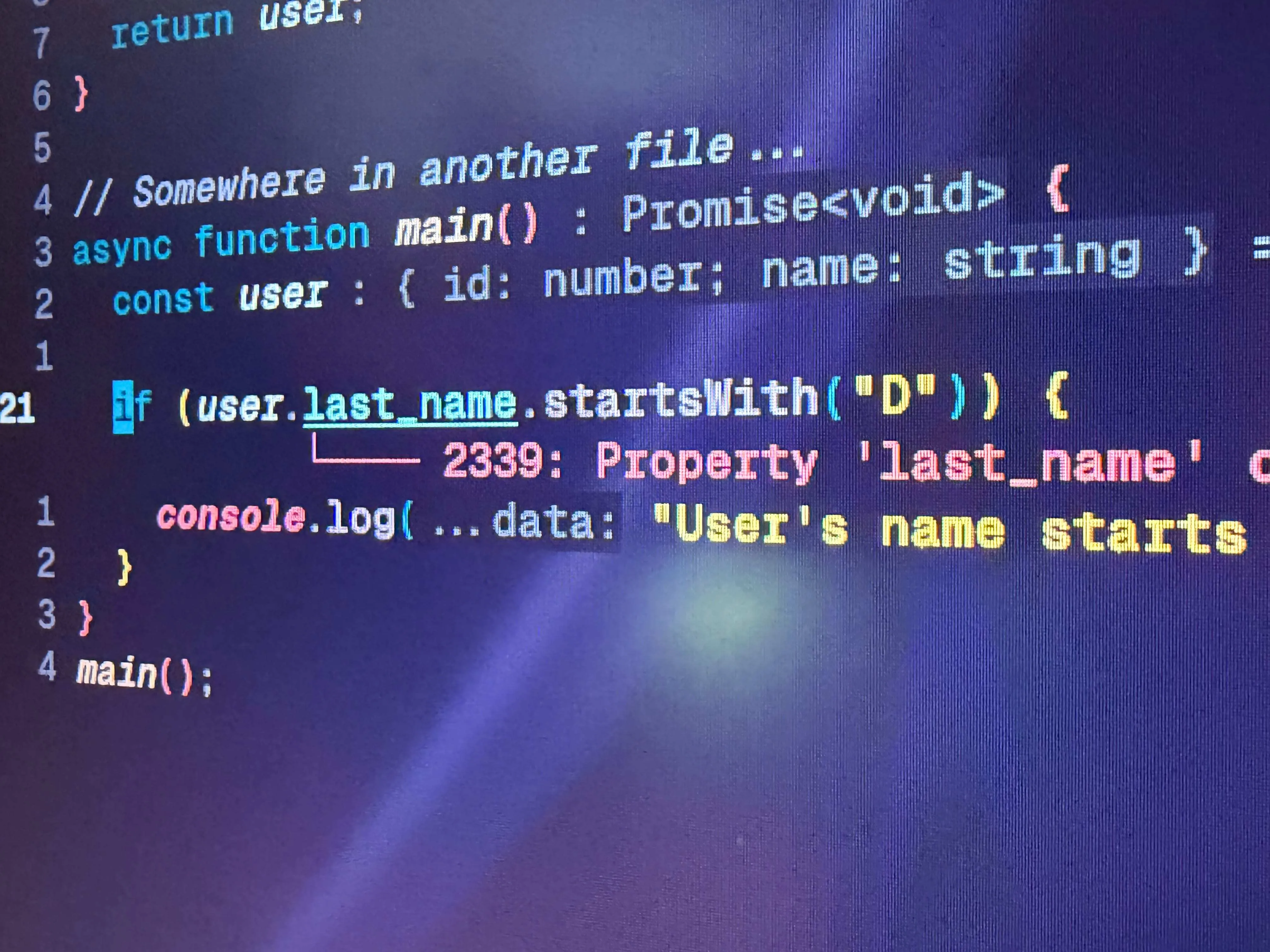
Many developers use TypeScript for two reasons:
- It catches errors while you are typing the code
- It can autocomplete types in your editor
But there’s a subtle thing that TypeScript devs sometimes don’t realize, especially those new to a language with a type checker: The difference between runtime and compile time type safety.
Compile time type safety
Compile time type safety is the type of checking you are probably most familiar with. You define a type, and TypeScript ensures that when you use that type you use it correctly, otherwise the compiler produces an error.
Example:
type User = {
    id: number,
    name: string
}

const user: User = {
    id: 1,
    name: "Bart"
}

// Somewhere in another file...

if (user.last_name.startsWith("D")} {
    console.log("User's name starts with a D")
}
sample.ts:13:35 - error TS1005: ')' expected.
13 if (user.last_name.startsWith("D")} {
~
sample.ts:13:4
13 if (user.last_name.startsWith("D")} {
~
The parser expected to find a ')' to match the '(' token here.
Found 1 error in sample.ts:13And this makes perfect sense, because user doesn’t have a last_name property.
But this is only guaranteed because we are defining user in our code.
Runtime safety
But what happens if we are fetching the user over the network using fetch? Or from a database table? Or even reading from a JSON file off disk?
type User = {
  id: number;
  name: string;
};

async function getUser(id: number) {
  const response = await fetch(`/user/${id}`);
  const user = await response.json();
  return user;
}

// Somewhere in another file...
async function main() {
  const user = await getUser(1);

  if (user.last_name.startsWith("D")) {
    console.log("User's name starts with a D");
  }
}
main();
If you take the above code and run it through the TypeScript compiler, it will produce no compiler errors.
Ask yourself, what is the return type of the getUser function?
If you have your editor set up to show implied types or if you hover over it,
you will see that the type is Promise<any>
That’s because that’s the return type of response.json().
TypeScript can’t know the type that comes out of response.json() while
you are just editing your code; it is something that only happens at runtime.
So we can sort of fix this by adding a return type like this:
async function getUser(id: number): Promise<User> {
  const response = await fetch(`/user/${id}`);
  const user = await response.json();
  return user;
}
And now we get the correct error from above, that “Property ‘last_name’ does not exist on type ‘User’”.
But what we’ve done now is we’ve lied to TypeScript.
We’ve told it, “Trust me bro, the JSON will be a User”.
But we don’t know that either. The server might change its API or something and return some new JSON that doesn’t match our User type; we wouldn’t find this out until it breaks in production, and the error would be like “Can’t access property last_name of undefined” or some such JavaScript nonsense. (if we are lucky, this error would vary depending on what the server actually returned)
Enter zod, a type safe runtime validator
So we need something else to check this at runtime, and generate some kind of useful error for us. But we also need to know that we need to do this. Also, since most AI models are trained on human code which has this mistake all over the place, they will often also miss doing this.
Checking it manually is possible of course like so:
async function getUser(id: number): Promise<User> {
  const response = await fetch(`/user/${id}`);
  const user = await response.json();
  if (!user || !user.id || !user.name) {
    throw new Error("Didn't get a proper user object");
  }
  return user;
}
This guard clause is okay, but it’s really only checking if we got a user and
it has an id and name property, not that id is a number, or name is a string.
This is also a toy object. In real life, JSON often contains dozens
of properties. Do you really want to write an if statement for all of those?
So we need something else. There are a lot of TypeScript validation libraries, but probably the most popular one is zod.
After installing zod, we need to create a schema to describe our JSON data.
import * as z from "zod"

const UserSchema = z.object({
  id: z.number(),
  name: z.string(),
})
At first this seems like a duplication of code, don’t we already have a type called User where we define this? However, this is a fundamentally different thing. This is a runtime validation schema; it has little to do with TypeScript itself.
However, zod has a useful trick up its sleeve, we can infer a type from this schema, so we can replace our hand-crafted TypeScript type with this:
type User = z.infer<typeof UserSchema>;Now we have a User type that is directly connected to our runtime schema for our JSON.
This means we can replace the if statement where we were manually checking the user with this:
async function getUser(id: number): Promise<User | null> {
  const response = await fetch(`/user/${id}`);
  const maybeUser = await response.json();
  // destructure and rename `data` to `user` for clarity
  const { success, data: user, error } = UserSchema.safeParse(maybeUser);
  if (!success) {
    console.error(error.issues);
    return null;
  }
  return user;
}
The safeParse function in zod doesn’t throw an error, instead it returns an
object with a success boolean and either a data or error property
depending on whether validation succeeded. This means we can handle a
validation failure with a plain if statement instead of a try/catch block,
and we get proper type checking in the rest of our program whenever we use
this user object.
The errors that zod produces show exactly where the object failed validation.
Here’s an example:
// destructure the result to get at `success` and `error` directly
const { success, error } = UserSchema.safeParse({ id: "1", name: 42 });
if (!success) {
  console.log(error.issues);
  /* [
    {
      expected: 'number',
      code: 'invalid_type',
      path: [ 'id' ],
      message: 'Invalid input: expected number'
    },
    {
      expected: 'string',
      code: 'invalid_type',
      path: [ 'name' ],
      message: 'Invalid input: expected string'
    }
  ] */
}
Note: There is another version of
safeParsenamedparsethat throws a runtime error instead of returning a result object, so you’d need to wrap it in atry/catchblock to handle a validation failure. I recommendsafeParseinstead, since it avoids the extratry/catch.
TypeScript + Zod: The Best of Both Worlds
In conclusion, TypeScript is a great tool for checking that you are using types correctly, but the TypeScript compiler can only catch problems at compile time; it can’t catch runtime errors. If you combine it with something like zod, though, you get type safe code both while you are developing your code, and in production while it’s running.
Of course, you will have to implement a good logging system in production so you can catch these runtime zod errors when they happen and know what to do about it.